
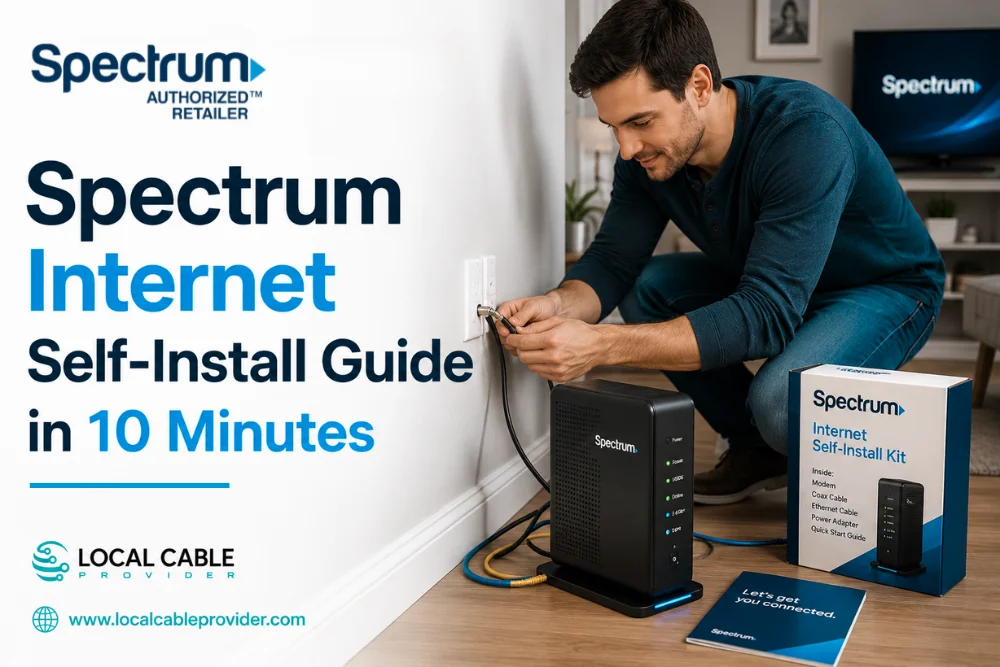
You don’t need to wait days for a technician appointment to get Spectrum internet running. Most customers can self-install in under 10 minutes using the kit that Spectrum ships free. Here’s exactly what’s in the box, the official step-by-step process, and what to do if something doesn’t connect on the first try.
Quick Answer
| What to know | Details |
|---|---|
| Setup time | Under 10 minutes for most customers (official Spectrum claim) |
| Cost | Free self-install typically saves $60–90 versus a professional appointment |
| App required? | No, for the standard under-10-minute path |
| What’s in the kit | Modem, Wi-Fi router, coaxial cable, Ethernet cable, power cords, instructions |
| Delivery | Free mail delivery, or pick up at a Spectrum store |
What’s in Your Self-Install Kit
Spectrum’s self-install kit (branded the Express Connect Kit) includes everything needed to get online without a technician visit:
- Modem: connects your home to Spectrum’s network
- Wi-Fi router: creates your home wireless network (sometimes combined with the modem in one device)
- Coaxial cable: connects the modem to your wall outlet
- Ethernet cable: connects the modem to the router
- Power cords for both devices
- Quick start instructions
If you’re also getting Spectrum TV or Voice, your kit may include a coaxial splitter, a TV receiver, remote, and HDMI cable as well.
The Official Step-by-Step Setup Process
This is Spectrum’s own documented process, straight from their support resources:
- Connect the coaxial cable to your modem and an active coax wall outlet
- Connect the Ethernet cable to the modem
- Connect the power cord to the modem and a power outlet
- Wait for the modem to auto-complete setup you’ll know it’s ready when the “Modem Online” light turns solid (this can take a few minutes)
- Connect the other end of the Ethernet cable to your Wi-Fi router
- Plug the power cord into the Wi-Fi router and a power outlet
After you connect your equipment and accept the terms and conditions, your Spectrum Internet service usually activates automatically – no additional technical steps are required for most setups.
Activating Your Service
You have a couple of ways to activate once your hardware is connected:
- Auto-activation for eligible customers using the standard kit, activation completes automatically in the background once everything is plugged in and the terms are signed. This is the path to the under-10-minute setup
- QR code some kits include a QR code you can scan with your phone, which takes you directly to the activation page
- The My Spectrum App or activate.spectrum.net for manual activation, open a browser on a device connected to your network and follow the prompts, or use the app
Once activated, run a speed test (built into the My Spectrum App) to confirm your connection is working at the speed you’re paying for.
Setting Up Your Wi-Fi Network
Your default network name and password are printed on a label on the router itself. For security and easier identification, Spectrum recommends changing both through the My Spectrum App and if your router broadcasts separate 2.4GHz and 5GHz bands, labeling them accordingly (e.g., “YourNetwork-5G”) helps you connect the right devices to the right band. For the best signal, place your router in an open, central location off the floor, away from walls, large furniture, and other electronics.
If Something Doesn’t Connect
A few common snags, and what actually causes them:
- Modem won’t come online check that the coaxial cable is tightly connected on both ends; a loose connection is the most common cause of activation failures
- Multiple coax outlets in the home, but nothing works not every outlet in a house is necessarily “active” on Spectrum’s network. If one outlet doesn’t work, try another before assuming there’s a bigger problem
- Moving into a home or apartment with existing coax wiring having cable outlets doesn’t guarantee they’re connected to Spectrum’s actual network. If a prior resident had Spectrum service at that address, the line is likely already active; if not, you may need a technician visit even though the wiring is physically present
-
Still having trouble after troubleshooting? Spectrum’s 24/7 chat support can help, and you can schedule a professional installation if you need additional assistance
Self-Install vs. Professional Installation
| Self-Install | Professional Install | |
|---|---|---|
| Cost | Free | Typically $60–90 |
| Timeline | Same day, under 10 minutes of active setup | Scheduled appointment, may take days to book |
| Best for | Homes with existing active wiring, comfort with basic setup | New construction, no existing wiring, or if you’d rather not troubleshoot yourself |
If you’re moving and unsure whether your new address is already wired for Spectrum, see our full guide to setting up internet in a new home for the broader planning timeline.
Frequently Asked Questions
How long does Spectrum self-installation actually take?
Spectrum’s own guidance is under 10 minutes for eligible customers using the standard kit; setup with certain advanced routers (like the Invincible WiFi router) may take a bit longer.
Do I need to download an app to self-install?
No, for the standard under-10-minute setup path, no app download is required. The My Spectrum App is available afterward for managing your account, running speed tests, and troubleshooting.
How much money does self-installing save?
Typically $60–90 compared to a scheduled professional installation appointment.
What if self-install isn’t available at my address?
Some addresses or situations require a professional installation instead. If Spectrum doesn’t offer self-installation during checkout, it automatically schedules a technician to complete your installation.
Can I pick up my kit instead of waiting for mail delivery?
Yes, Spectrum offers free kit pickup at nearby store locations as an alternative to mail delivery.
The Bottom Line
For most homes, Spectrum’s self-install kit genuinely delivers on its promise. Connect a few cables, wait for the modem light to go solid, and you’re online in under 10 minutes, no technician fee required. The main thing to watch for is confirming your address actually has active Spectrum wiring before you start, especially in a new or previously-vacant home. Not sure if Spectrum is even available at your address yet?
Check our Spectrum availability guide first, or call Local Cable Provider at (409) 273-7460 we’ll confirm availability, help you pick the right plan, and walk you through what to expect on installation day.